To save time with dealing with your repair it would be helpful for you to be able to give us as much information as possible about your MacBook and the issues your are experiencing.
About Your MacBook
Where are My Apple Model Details?
To find your MacBook's model number and serial number, click on the Apple logo in the top-left corner of your screen, then select "About This Mac." This will display information about your MacBook, including the model name and serial number. You can also find the serial number on the surface of the MacBook, typically near the regulatory markings. If the MacBook is a newer model with a T2 chip, you can find the serial number by going to "Apple Menu" > "About This Mac" > "System Report" > "Hardware" > "Hardware Overview" and look for the "Serial Number" field.
What Mac OS are you Running?
To find your MacBook's Mac OS version, click on the Apple logo in the top-left corner of your screen, then select "About This Mac." This will display information about your MacBooK, including the OS your MacBook is currently running.
What if my MacBook is Dead or Screen Broken?
OK this could be the problem you have, so you can't use the MacBook to find your MacBooks details. Not to worry turn your Macbook face down and you will be able to see near the top of the base of your MacBook the Model number, EMC number and the Serial number for your MacBook. Yes, it's very small writing, so either write it down or try to take a photo. See also "Start MacBook from External Monitor".
Start MacBook from External Screen
If your MacBook powers up, but you do not see anything on the screen or the screen is broken, you can connect your MacBook to an external monitor or TV. Connection will depend on the model of your MacBook, for pre 2016 models there will be a HDMI port, for 2016 and later models you may need an adapter USB-C to HDMI. Please read our Guide on connecting MacBooks to external displays for more information.
How to get your MacBook fixed
Contact us by Telephone or e-mail, today to schedule your Macbook’s repair. Please read information below to be ready with information about your MacBook, so we can best advise you on a solution for your faulty device.
Telephone 01736 806140
Before you Call or Email
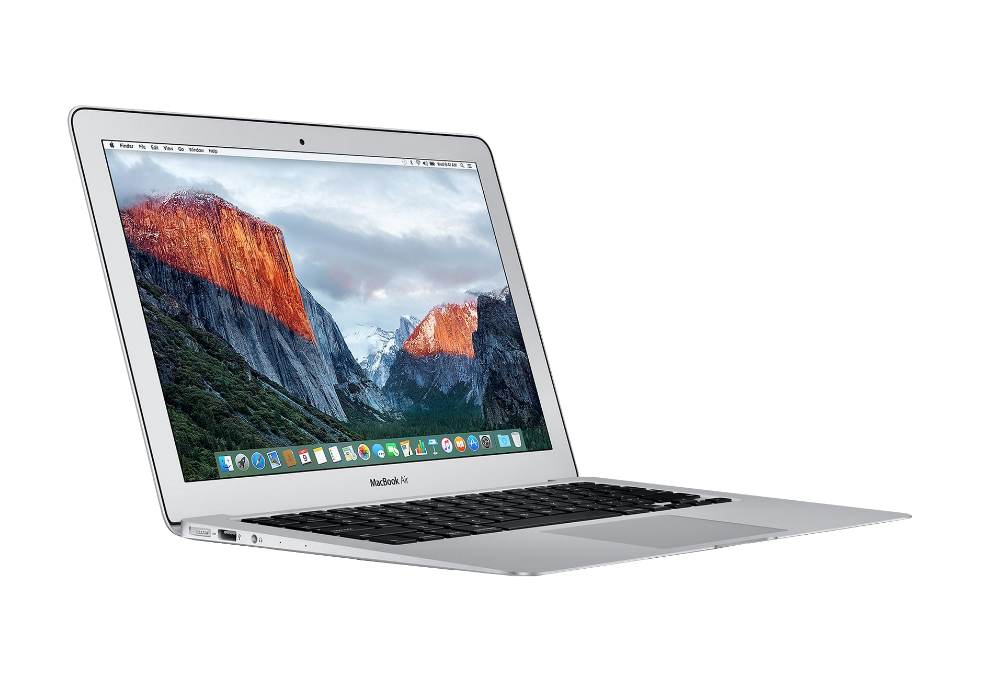
If possible make a note of your MacBook Model No. & EMC number or your serial number, all found on the bottom of your MacBook. Giving us this information will speed up your request for support.
Useful links for finding information about your MacBook

EveryMac
Mac & Apple Devices - EveryMac.com's Ultimate Mac Lookup
Apple Support
Find your Mac model name and serial number